 AtPlot
Delete your account
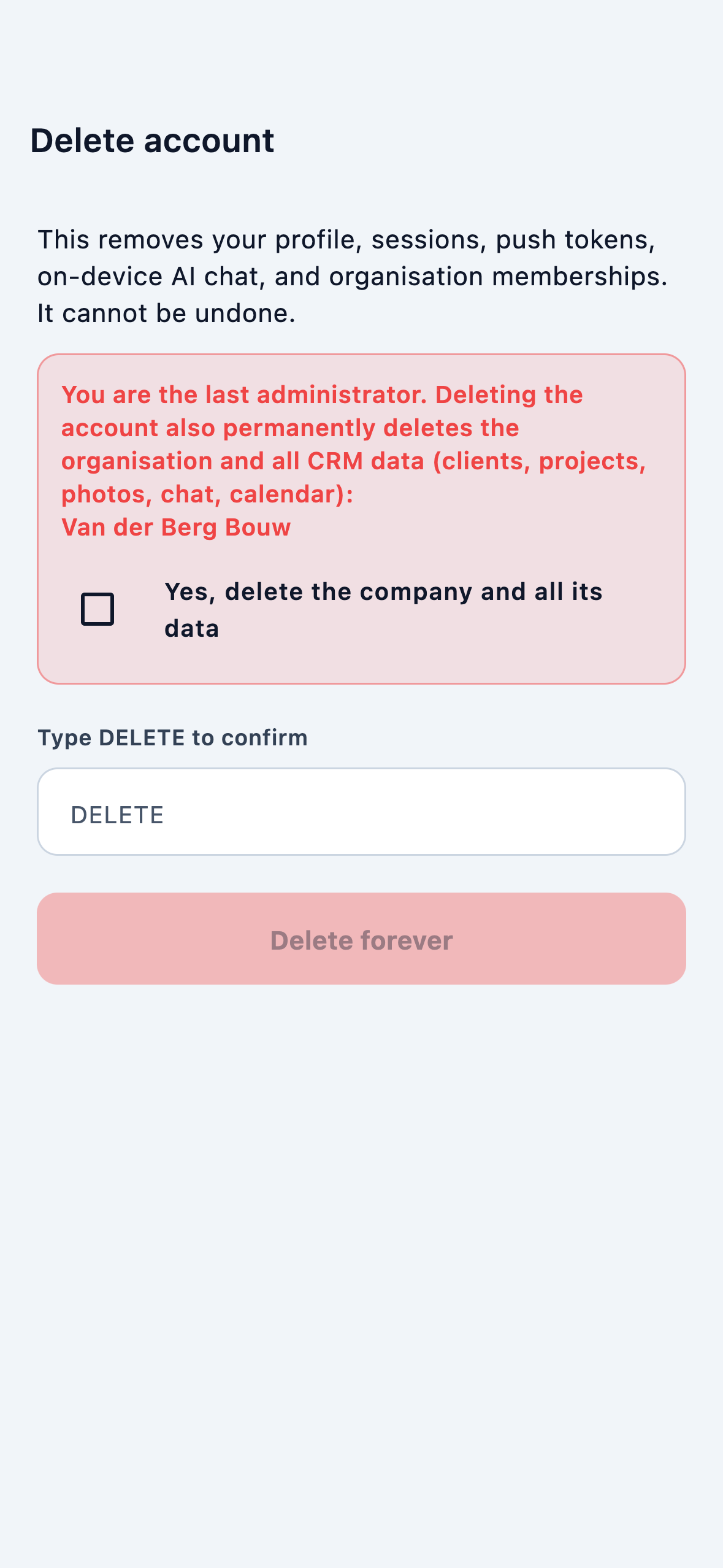
AtPlot does this inside the app, with confirmation.
- Open AtPlot and sign in.
- Go to Menu → Settings → Profile.
- Tap Delete account.
- Read what will be removed. If you are the last admin of an organisation, the organisation and its CRM are deleted too.
- Confirm the dialog, then type DELETE and submit.
Cannot open the app?
Email info@atplot.com from the address or phone on the account. We will verify and complete deletion. We do not offer an unauthenticated web form.
What is deleted
- Your login, profile, sessions, and push tokens.
- Membership in every organisation.
- If you are the last admin: that organisation’s clients, projects, photos, chat, and calendar.